

Summary
Partners brings together applications and referral tracking. The program provides a promotional link and coupon after activation. Attribution depends on the conditions used to identify the referral.Who it is for
- People interested in promoting DoglyTdc.
- Partners checking their referrals.
- People reviewing available balances and withdrawal requests.
How to open
Go to Dashboard › Partners. The entry uses?tab=partners.
The starting view may use ?tab=partners:overview.
The program’s public page lets you begin an application.
Screens and features
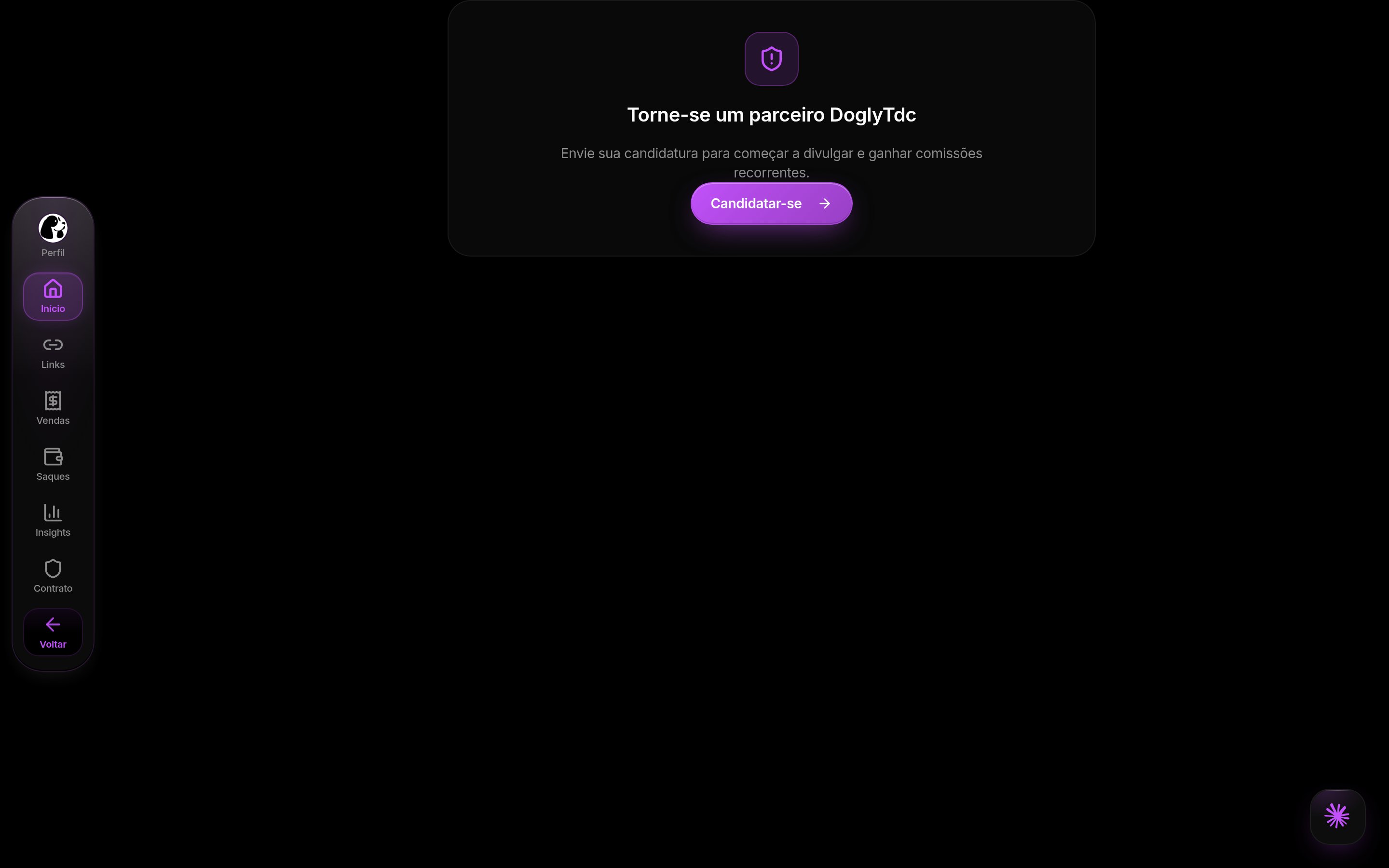
Partners in DoglyTdc
Program introduction
Read the proposal before applying. The presentation separates application, activation, promotion, and receipt. Submitting an application is not the same as having an active partnership.Application
Complete the information requested in the form. Explain how you intend to promote the product. The interface indicates when an application is already pending.1
Complete the application
Fill required fields and describe your promotional approach.
Check the information before submitting.
2
Track its status
Wait for submission confirmation.
Consult the dashboard to follow your application.
3
Promote after activation
Use the link and coupon provided for your partnership.
Do not treat application submission as automatic approval.
Partner dashboard
Consult the indicators loaded for your partnership. Clicks and conversions are different measurements. Visiting a link does not guarantee a confirmed conversion. Also review refunded amounts and attributions where displayed.Link and coupon
Use copy controls to share the correct promotional material. The redirect recognizes the partner reference. Capture can also occur through a reference in the URL. The last valid click replaces the previous reference.Attribution window
The reference is valid for 90 days. After that period, it is no longer read as valid. This window does not promise commission for every visit. Track conversions actually recorded in the dashboard.Marketing consent
With marketing accepted, the reference can persist in the browser. Without acceptance, it remains only in that tab’s memory. Reloading loses this non-persistent reference. If consent is accepted later, the in-memory reference can be saved. Rejecting marketing removes the persisted reference.Sales and attributions
Check the available attribution filters. Separate confirmed conversions from refunded records. Do not treat every attribution as withdrawable balance. Review amounts and status before requesting funds.Withdrawals
The withdrawal form checks whether the amount is valid. Review balance, minimum, and the method offered in the interface. A request does not prove that receipt has been completed. Track the status shown in the dashboard.Credits and limits
The referral window is 90 days. The program does not automatically turn clicks into tool credits. Do not confuse partner balance with product usage credits. Check amounts and availability in the partner dashboard. Sharing a link does not guarantee conversion.Permissions
The dashboard uses your account session and partnership status. Applying does not automatically unlock every feature. Marketing consent controls reference persistence. Respect the referred person’s cookie choice.Common errors
Messages retain their original Portuguese wording for recognition.
Losing a reference after reloading without marketing consent is expected.
Do not bypass consent choices to preserve a referral.
Also check whether the reference is still within its 90-day window.
Frequently asked questions
Which referral takes precedence?
Which referral takes precedence?
The implementation uses the last valid click.
A new reference replaces the previous one.
Does a click mean confirmed commission?
Does a click mean confirmed commission?
No. Check confirmed conversions and amounts in the dashboard.
Clicks, attributions, and available balance are different information.