

Overview
The DoglyTdc Pay API is a REST API for integrating your application with DoglyTdc Pay: listing products, orders, and subscriptions, checking balance, creating webhooks, and requesting payment links and refunds via code. DoglyTdc Pay accepts payments via PIX and DoglyTdc Balance. Credit card payment is not available.Base URL
https://ucsyxzpdbnuyehizezvb.supabase.co/functions/v1/doglytdc-pay/v1/products.
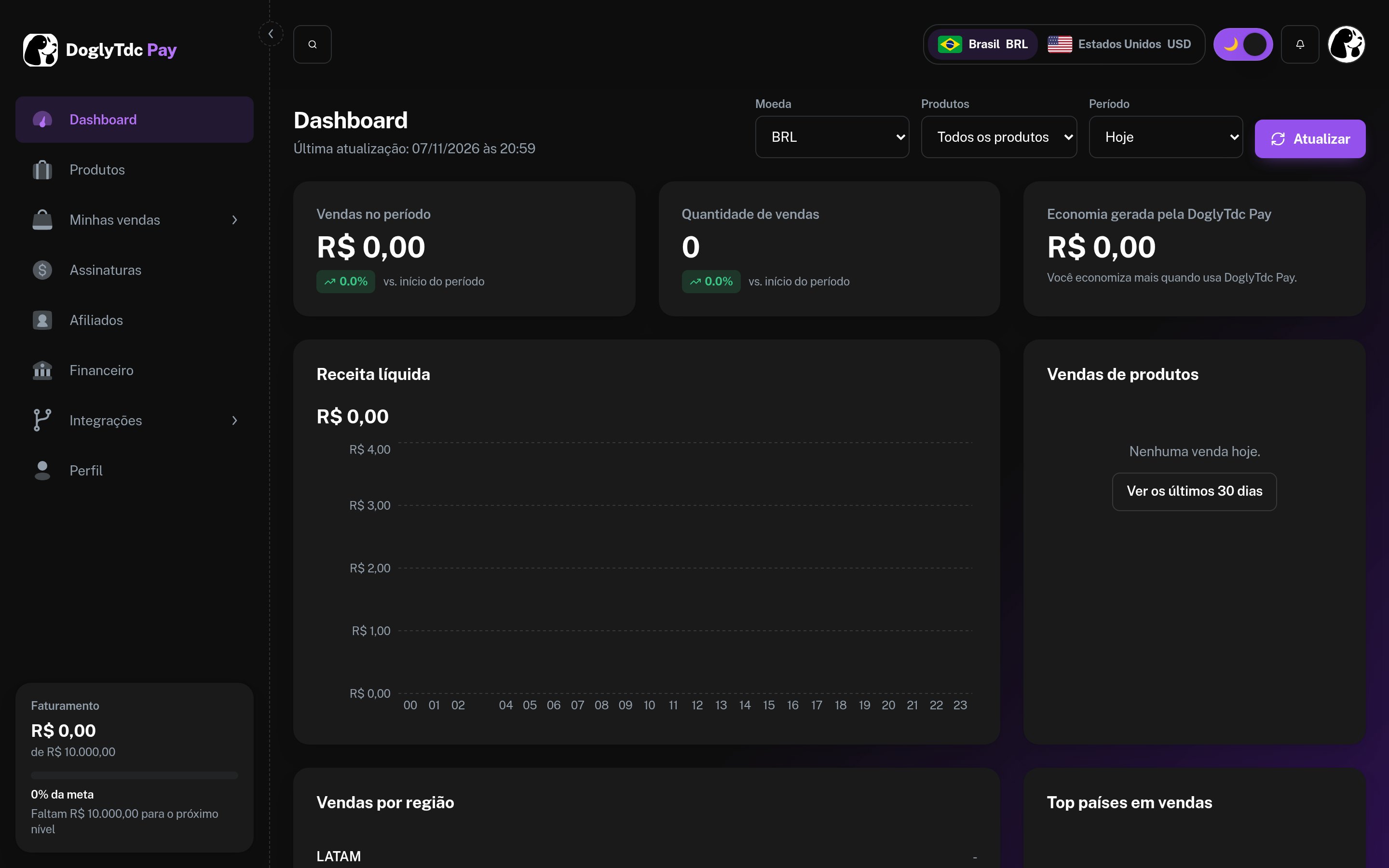
DoglyTdc Pay dashboard
Prerequisites
1
DoglyTdc Account
An active account on doglytdc.dev with DoglyTdc Pay enabled.
2
API Key
A
client_id (dpk_…) and a client_secret created in DoglyTdc Pay › Integrations › DoglyTdc Pay API.3
Correct Scopes
Each endpoint requires scopes. Only select the ones your integration uses.
Complete authentication guide
How to create the key, send credentials, and select scopes.
Request format
Every request includes the key in theAuthorization header:
Response format
Responses are JSON. Lists are returned insidedata:
1990 = R$ 19.90) and the currency is specified in currency (BRL or USD).
HTTP status codes
Actions that move money
Refunds and payment links are not executed directly via the API. The API responds with202 and an approval_id, and you confirm it in DoglyTdc Pay › Integrations › MCP. This way, a leaked key will never withdraw money from your account on its own.
Next steps
First call in 5 minutes
From scratch to the first response.
Receive your first sale
Product, webhook, and incoming event.
Webhooks guide
Events, signature, and retries.
API reference
All endpoints with “Try it”.